
Website security tends to live in a blind spot. As long as the site is up and working, it is easy to assume all is well, and to file “security” under things that happen to other, bigger companies. At Ohana Digital, where our work spans both website design and IT solutions, we see the other side of that assumption more often than we would like: the small business whose site got hacked, defaced, or quietly hijacked to send spam, and who suddenly discovers how much a website is worth precisely when it is compromised. This post is about preventing that call, by covering the security essentials every business site should have in place.
The good news is that meaningful website security is not exotic or unaffordable. Most breaches exploit basic weaknesses, outdated software, weak passwords, no backups, that are entirely preventable with a handful of sound practices. You do not need an enterprise security budget. You need consistency on the fundamentals, and this post lays out what those fundamentals are.
Why website security matters for small businesses
Let us dispense with the comforting myth first: the idea that small businesses are too small to be targeted. In reality, the opposite is often true. Automated attacks scan the entire internet constantly, looking for any site with a known vulnerability, and they do not care how big you are. A neglected small business site with outdated software is exactly the kind of easy target these tools are built to find. The U.S. Small Business Administration, in its guidance on strengthening your cybersecurity, notes plainly that small businesses can be attractive targets precisely because they often lack the resources to protect their digital systems well.
The stakes are real. A compromised website can be defaced, taken offline, or turned into a vehicle for distributing malware to your own visitors, which shatters the trust you have worked to build. It can leak customer data, with legal and reputational consequences. It can be quietly used to send spam, damaging your domain’s reputation so that even your legitimate emails start landing in junk folders. And recovering from a serious breach, cleaning the site, rebuilding, restoring trust, is far more expensive and stressful than the prevention would have been. Your website is your digital storefront, and leaving it unlocked overnight is not a risk worth taking.
The security essentials
Here are the core practices that protect the vast majority of small business sites, roughly in order of importance.
Use HTTPS everywhere with an SSL certificate
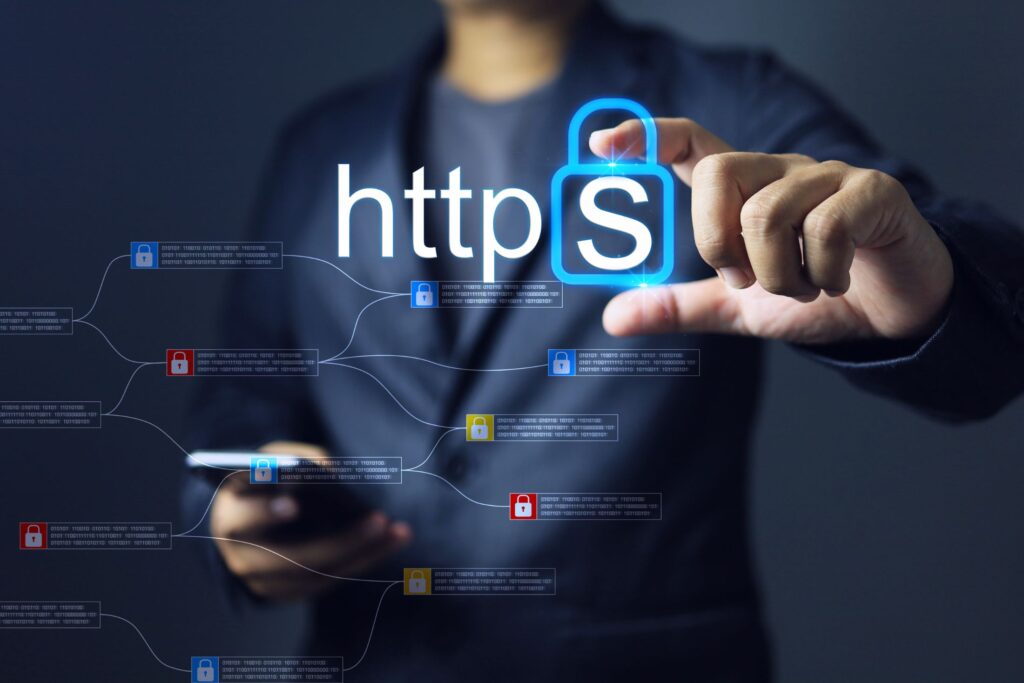
The padlock in your browser’s address bar means the site is served over HTTPS, secured by an SSL/TLS certificate that encrypts the connection between your site and your visitors. This protects any information passing between them, and it is now a baseline expectation. Browsers actively warn users away from sites without it, and search engines treat it as a trust signal. For most sites, enabling HTTPS is straightforward and often free, and there is simply no good reason to operate without it in 2026.
Keep everything updated
If there is one practice that prevents more breaches than any other, it is keeping your software current. The Federal Trade Commission’s guidance on cybersecurity for small business puts updating software and backing up files at the very top of its list of basics, recommending you set a schedule for updates and turn on automatic updates wherever possible. This matters enormously for website platforms. Content management systems like WordPress, along with their themes and plugins, release updates that frequently patch newly discovered security holes. An out-of-date plugin is one of the most common ways sites get compromised, because attackers specifically hunt for known, unpatched vulnerabilities. Staying current closes those doors before anyone can walk through them.
Back up your site regularly
Backups are your safety net, and they turn a potential catastrophe into a manageable inconvenience. If your site is ever hacked, corrupted, or broken by a bad update, a recent backup lets you restore it rather than rebuild it from scratch. The FTC’s guidance echoes this, urging businesses to back up important files regularly and to store those backups securely, in the cloud or on separate storage. The key details are frequency and separation: back up often enough that you would not lose meaningful work, and keep at least one copy somewhere disconnected from the site itself, so that whatever compromises the site cannot also destroy the backup. A backup you have never tested restoring is only half a backup, so it is worth confirming periodically that your restore process actually works.
Use strong passwords and multi-factor authentication
A startling number of breaches come down to weak or reused passwords. Every account with access to your website, your CMS admin, your hosting, your domain registrar, should have a strong, unique password, ideally managed with a password manager so you are not relying on memory or sticky notes. Even more important, enable multi-factor authentication wherever it is offered. Both the SBA and the FTC repeatedly emphasize multi-factor authentication as one of the highest-impact security measures available, because it means a stolen password alone is not enough for an attacker to get in. That single setting stops a large share of account-takeover attacks cold.
Limit and manage access
Not everyone who touches your business needs full administrative control of your website. Grant each person only the access their role actually requires, and remove access promptly when someone leaves or a project ends. Old, forgotten accounts with high privileges are a common and entirely avoidable weakness. The principle here is simple: the fewer doors with master keys, the fewer doors an attacker can exploit.
Choose reputable, secure hosting
Where your site lives matters. Good hosting providers maintain their own security, offer features like firewalls and automated backups, and keep their infrastructure patched. Cheap, low-quality hosting can quietly become a liability. This is part of the broader infrastructure we consider when we approach website design and IT for a client; a beautiful site on a poorly secured host is building on sand.
Security is ongoing, not one-time
Here is the mindset that separates protected businesses from vulnerable ones. Security is not a project you complete once and check off. It is an ongoing discipline, because the threats keep evolving and because software that was secure last year needs this year’s updates to stay that way.
That does not mean it has to consume your life. It means building a light, regular rhythm: updates applied promptly, backups running automatically, passwords and access reviewed periodically, and someone paying attention. Much of this can be automated, and much of it can be handed off. The businesses that get burned are almost always the ones who set the site up years ago and never thought about it again, letting the software drift further and further out of date until a scanning bot found the opening.
A simple security routine you can actually keep
The reason website security fails is almost never that the individual tasks are hard. It is that they never get turned into a routine, so they slip until something goes wrong. The fix is to translate the essentials into a light, repeatable rhythm that does not depend on remembering or on motivation.
On an ongoing, mostly automated basis, set your platform, themes, and plugins to update automatically wherever it is safe to do so, and set your backups to run on an automatic schedule with a copy stored separately from the site. These two automations alone, prompt updates and regular backups, prevent a large share of the disasters we see. The goal is to make the most important protections happen without anyone having to think about them.
On a monthly basis, spend a few minutes on the things that benefit from a human glance. Confirm your backups are actually running and, periodically, that you can restore from one, because an untested backup is only a hopeful guess. Check that updates have been applying successfully rather than silently failing. Skim who has access to your site and hosting, and remove any accounts that are no longer needed. Make sure your security software, where you use it, is active and current.
On a quarterly basis, take a slightly wider look. Review the passwords on your critical accounts and confirm multi-factor authentication is switched on everywhere it should be. Consider whether any part of your setup, an abandoned plugin, an old integration, a service you no longer use, has become an unnecessary point of risk that can simply be removed. The less surface area you leave exposed, the less there is to defend.
And treat certain events as automatic triggers for a security check no matter where you are in the calendar: after a staff change, after adding new functionality to the site, or any time something looks off. A staff departure in particular should prompt an immediate review of who can access what.
This routine takes very little time once it is established, and most of it can be automated or handed to a partner. What it buys you is enormous: the difference between a site that quietly stays secure and one that drifts, month by month, toward the vulnerability that an automated attack is patiently waiting to find. Consistency, not heroics, is what keeps a website safe.
When to bring in help
For many owners, website security sits in an uncomfortable gap. It is clearly important, but it is technical, easy to defer, and hard to feel confident about handling alone. That is a perfectly reasonable place to bring in a partner, and it is exactly the kind of work that lives at the intersection of web and technology, which is why it fits naturally within our IT solutions offering. Ongoing maintenance, updates, backups, monitoring, and the peace of mind that comes with knowing your digital storefront is being looked after, are things a good partner can carry so you do not have to think about them until you want to.
Common website security mistakes
A handful of avoidable mistakes account for most small business site compromises. The first is running outdated software, letting a CMS, theme, or plugin fall behind on the very updates that patch known vulnerabilities. The second is having no backups, or having backups that have never been tested, so that a bad day becomes a disaster instead of an inconvenience. The third is weak or reused passwords combined with no multi-factor authentication, which leaves the front door effectively unlocked. The fourth is over-granting access and never cleaning up old accounts. And the fifth is the “it will not happen to me” assumption, the belief that being small makes you invisible, when in fact automated attacks make no such distinction. Every one of these is preventable, and prevention is dramatically cheaper than recovery.
The Ohana Digital approach
Protecting what people have built is deeply in keeping with the spirit of ohana. Your website represents real time, money, and care, and treating its security seriously is a way of respecting that. We would always rather help a business quietly maintain a secure, healthy site than help one recover from an avoidable breach, and the difference between those two situations almost always comes down to a few consistent habits.
Whether you want a security check on your current site or a partner to keep it maintained and protected going forward, we would be glad to help. We look after websites for businesses across Greater Philadelphia and Honolulu, keeping them updated, backed up, and secure so their owners can focus on running the business rather than worrying about the site. Reach out through our contact page, and let us make sure your digital storefront stays locked, backed up, and safe.